What is PortSlayer
Find and kill whatever is squatting on your ports.
Every developer knows the moment: you try to start a dev server and get slapped with Error: address already in use :3000. Somewhere, an old Node process, a zombie Python server, or a forgotten Docker proxy is still holding that port hostage — and normally you’d have to dig through lsof, netstat, or Task Manager just to find out what, let alone kill it safely.
PortSlayer (pk) is a free, open-source CLI and terminal dashboard that finds and kills whatever is squatting on your ports — in seconds. Run pk with no arguments for a full-screen, keyboard-driven dashboard — arrow keys to navigate, / to search, k to kill with confirmation — or script it from the CLI with JSON output. Free and open source under MIT, for Windows and Linux.
It’s built for the moments that actually slow developers down: freeing a stuck port before a demo, cleaning up after a crashed test run, or scripting port cleanup into a CI pipeline. Every kill asks for confirmation by default, so you never terminate the wrong process by accident.
Features
Everything you need to manage ports, right from your terminal.
-
⇩
Interactive TUI Dashboard
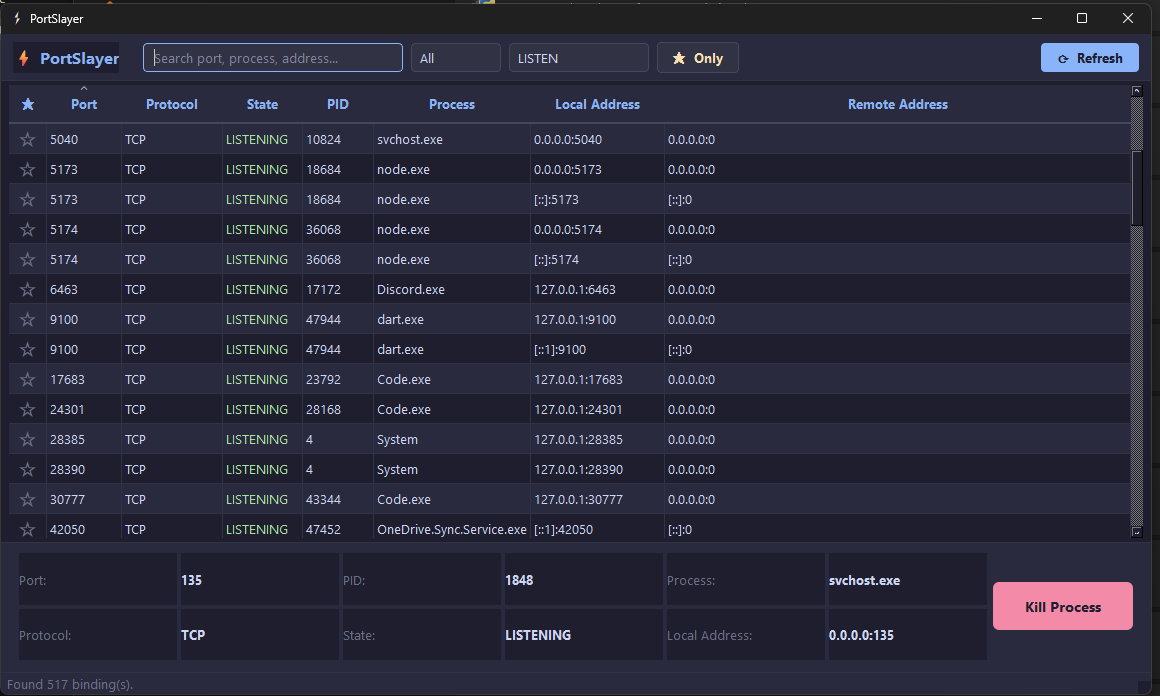
Run pk with no arguments for a full-screen, keyboard-driven view of every listening port.
-
⌕
Partial port search
Search by port fragment instead of exact numbers.
pk find 808 -
▢
Kill by process name
Skip the port lookup entirely and terminate by process name.
pk kill --name node -
▤
JSON output
Machine-readable output for scripting, CI checks, and automation pipelines.
pk list --json -
ϗ
Shell completion
Tab-complete commands and flags in your shell with a single setup command.
pk --install-completion -
◇
Safety-first design
Every kill asks for confirmation unless you pass –force, with no shell injection surface.
How it works
Up and running in 3 steps
List
Run
pkto see every listening port and the process holding it, live.Find
Search by port fragment or process name —
pk find 808.Kill
Terminate safely with a confirmation prompt, or skip it with
--force.
Screenshots
Take a look at PortSlayer
-
Interactive TUI DashboardLive port and process management
-
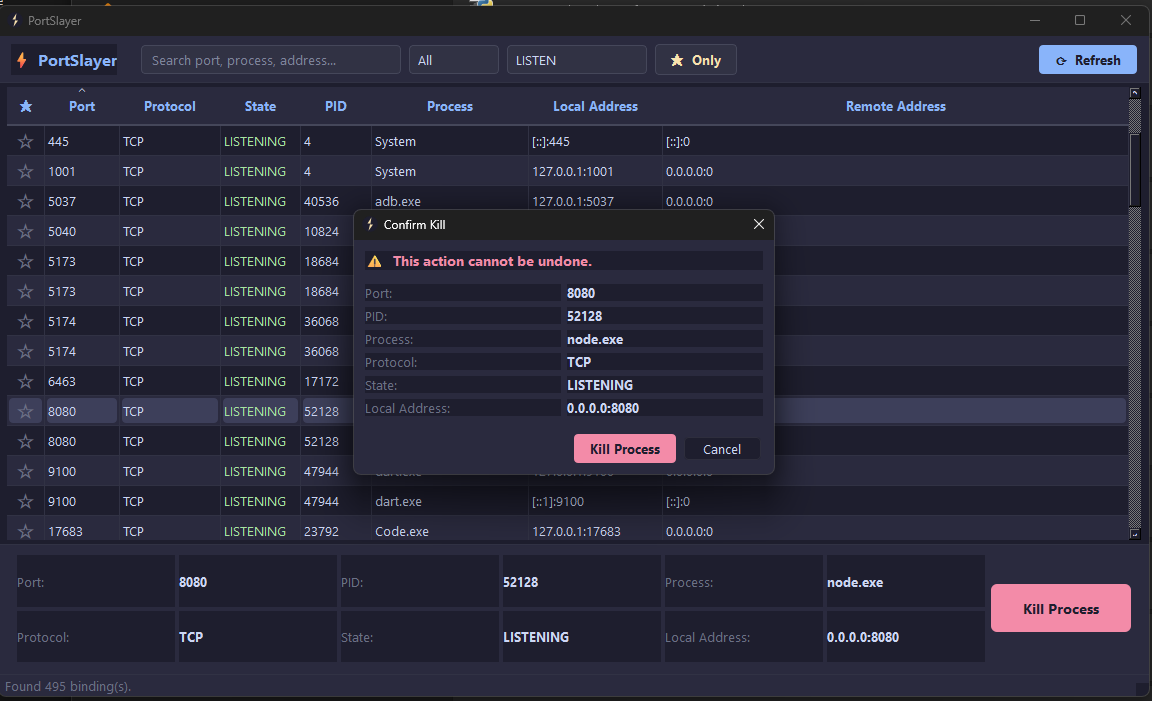
Safe Kill ConfirmationReview process details before action
Install
Own it. Fork it. Ship it.
PortSlayer is 100% free and open source under the MIT license — install it in seconds, read every line of the source, or send a pull request.
- MIT License
- Python
- Windows & Linux
# Install using pip
pip install portslayer# Upgrade to latest version
pip install --upgrade portslayer# Install with npm
npm install -g @appesto/portslayer# Run from npm
npx @appesto/portslayer# Clone repository
git clone https://github.com/AppestoX/portslayer.git# Run locally
python -m portslayerFree and open source
Free up your ports in seconds.
Keep exploring
More from Appesto
-
 Live
Utilities
Upkeep
Vehicle maintenance tracker for iPhone — every service record, plan and reminder stays on your phone.
Live
Utilities
Upkeep
Vehicle maintenance tracker for iPhone — every service record, plan and reminder stays on your phone.
-
 Beta
Productivity
ReQuill
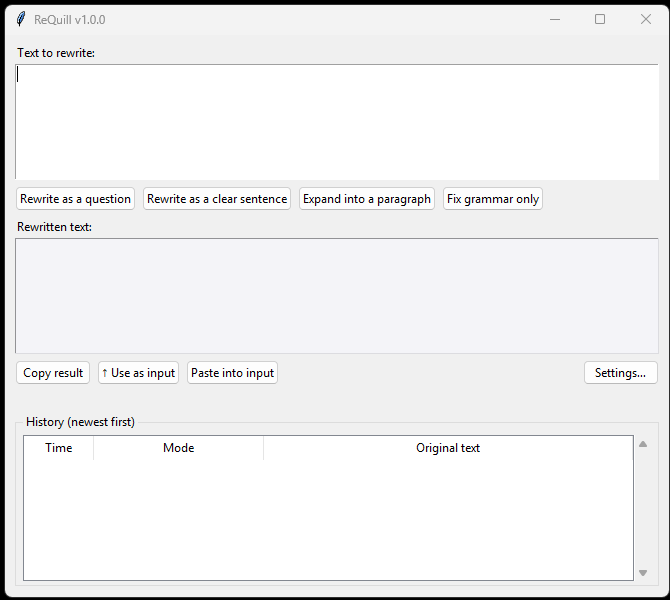
One-click AI text rewriter for Windows — rewrite selected text in any app.
Beta
Productivity
ReQuill
One-click AI text rewriter for Windows — rewrite selected text in any app.
-
 Beta
Developer Tools
ScriptPilot
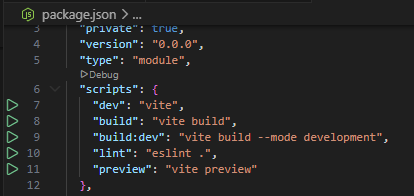
npm script runner for VS Code — run, stop, and manage package.json scripts with one click.
Beta
Developer Tools
ScriptPilot
npm script runner for VS Code — run, stop, and manage package.json scripts with one click.